

If you’re still seeing information for a prior year’s convention you will need to install the 2025 Show in your Triple Play App.
-
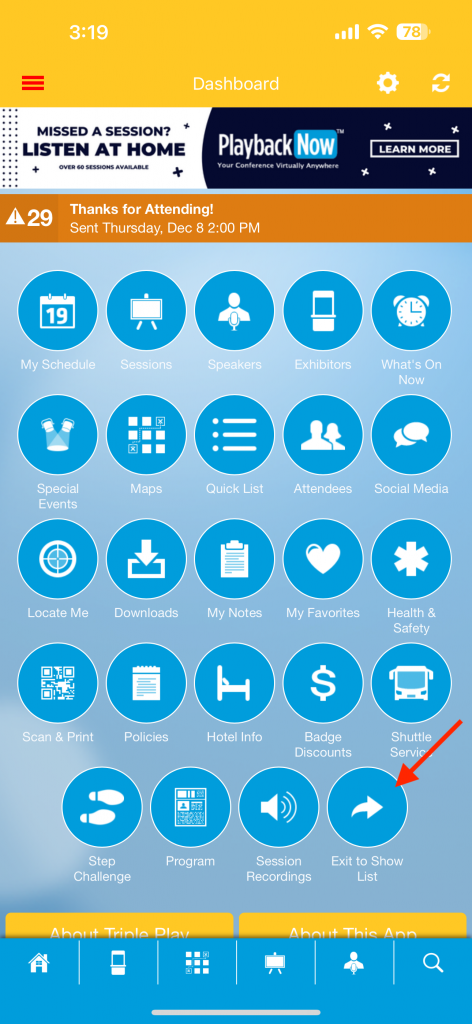
- Tap the “Exit To Show List” Icon on your Dashboard
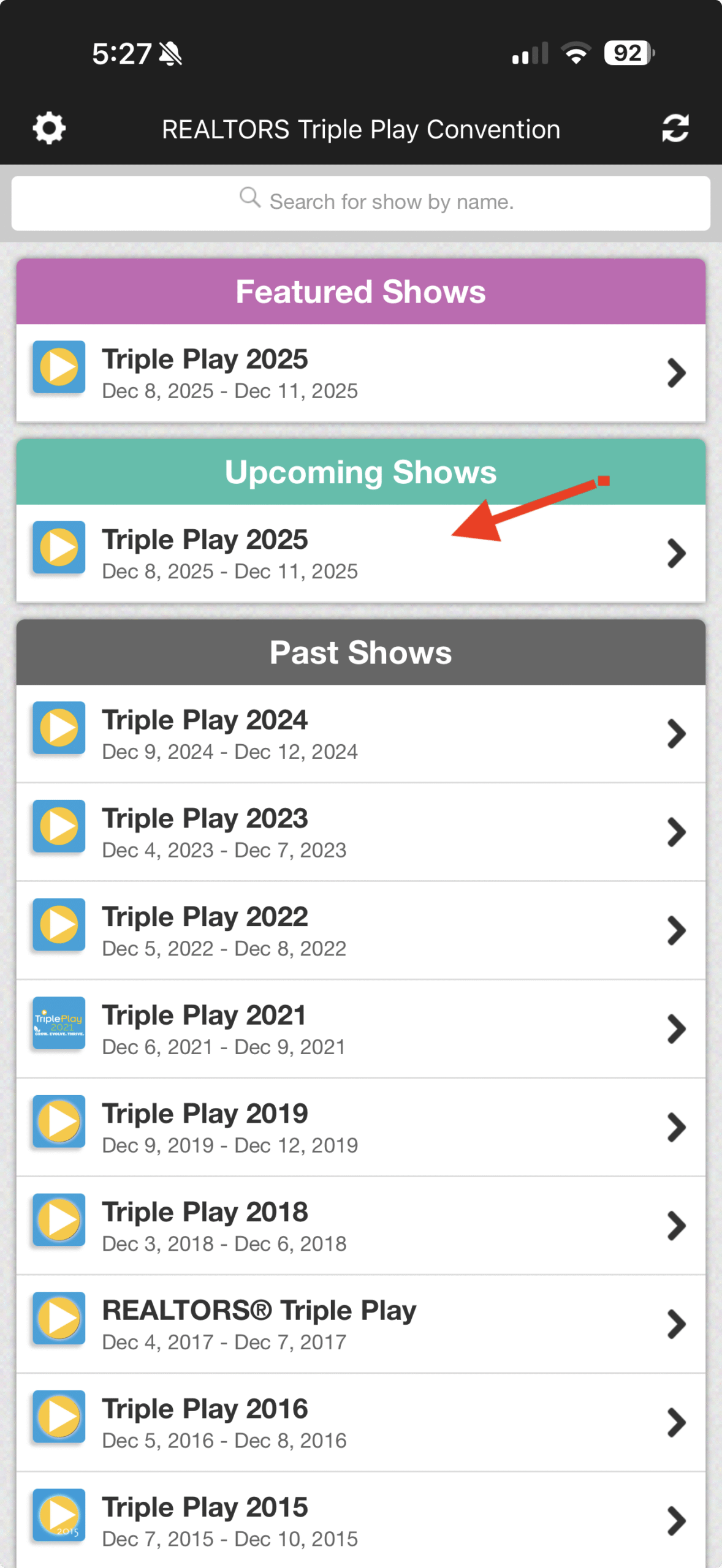
- Tap on the “Triple Play 2025” under “Upcoming Shows”
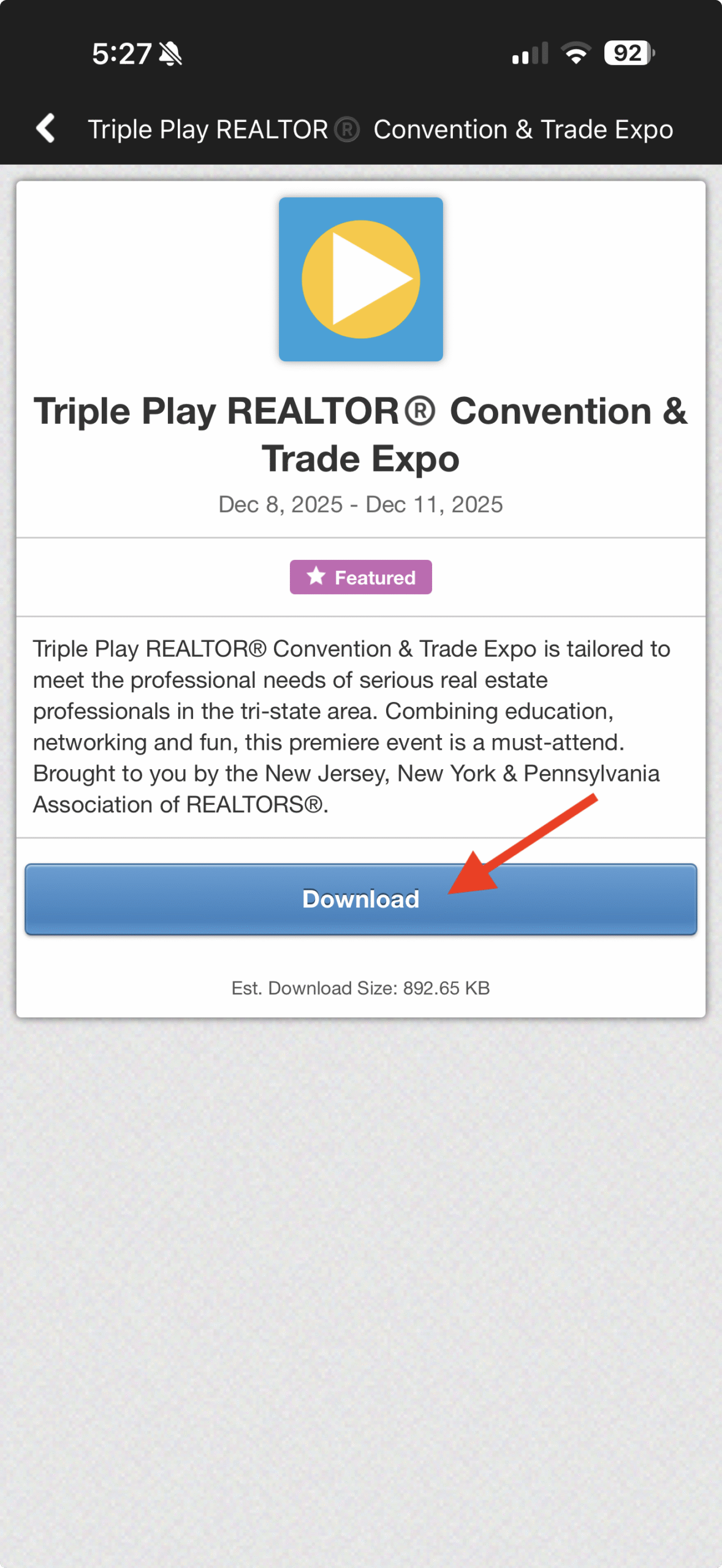
- Tap on the “Download” button to install the 2025 Convention to your app
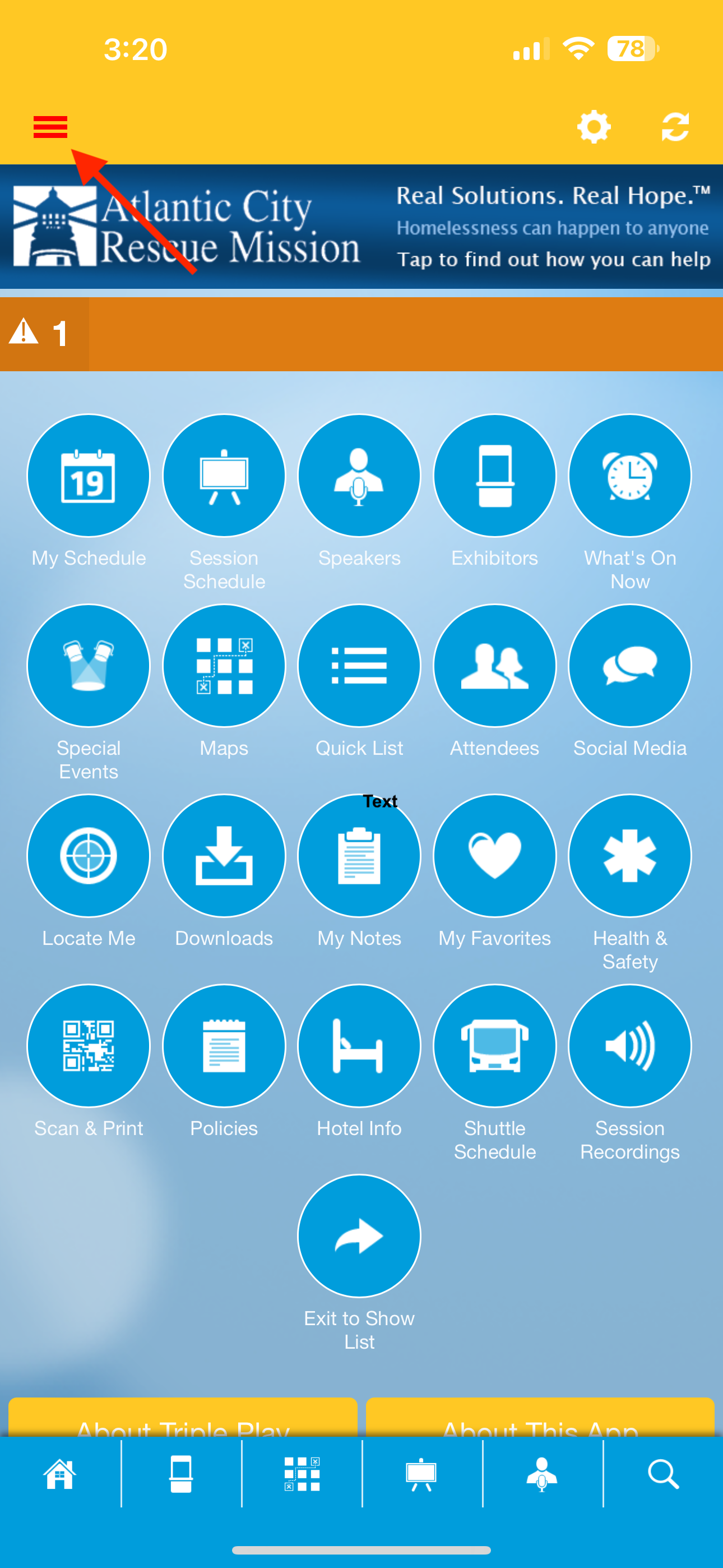
- Tap the 3 Horizontal Bars to access your profile menu
- Tap to setup your profile

- Enter your details and check to publish your profile; Tap “Save” Button at the bottom

- Tap the “Exit To Show List” Icon on your Dashboard
